

Turn screenshots, signals, and uncertainty into a real game plan
SparkText helps you understand what is actually happening in the chat, what to say next, when to wait, what to avoid, and how to build real momentum toward a date.

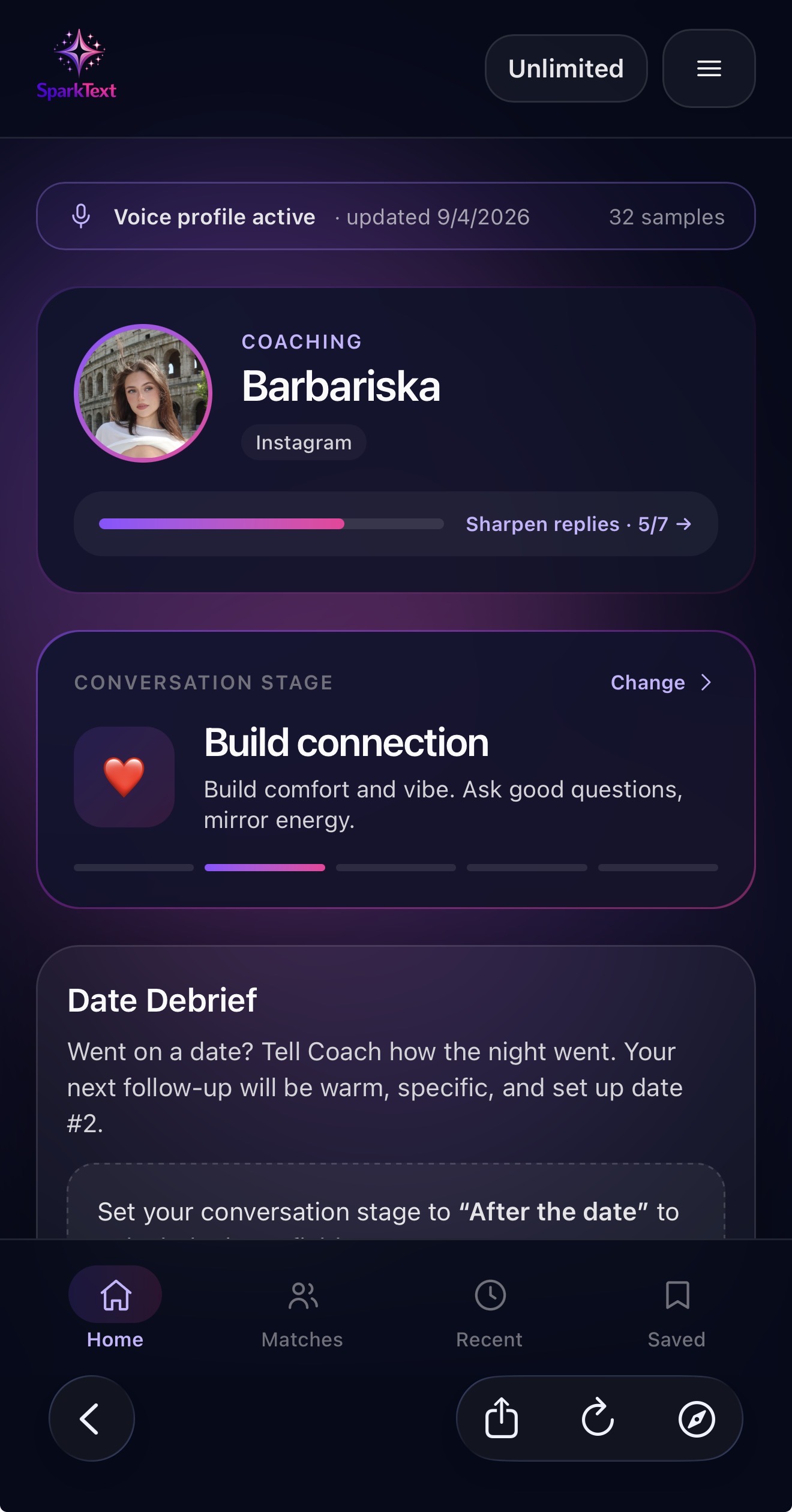

Steered by Coach
Built for momentum
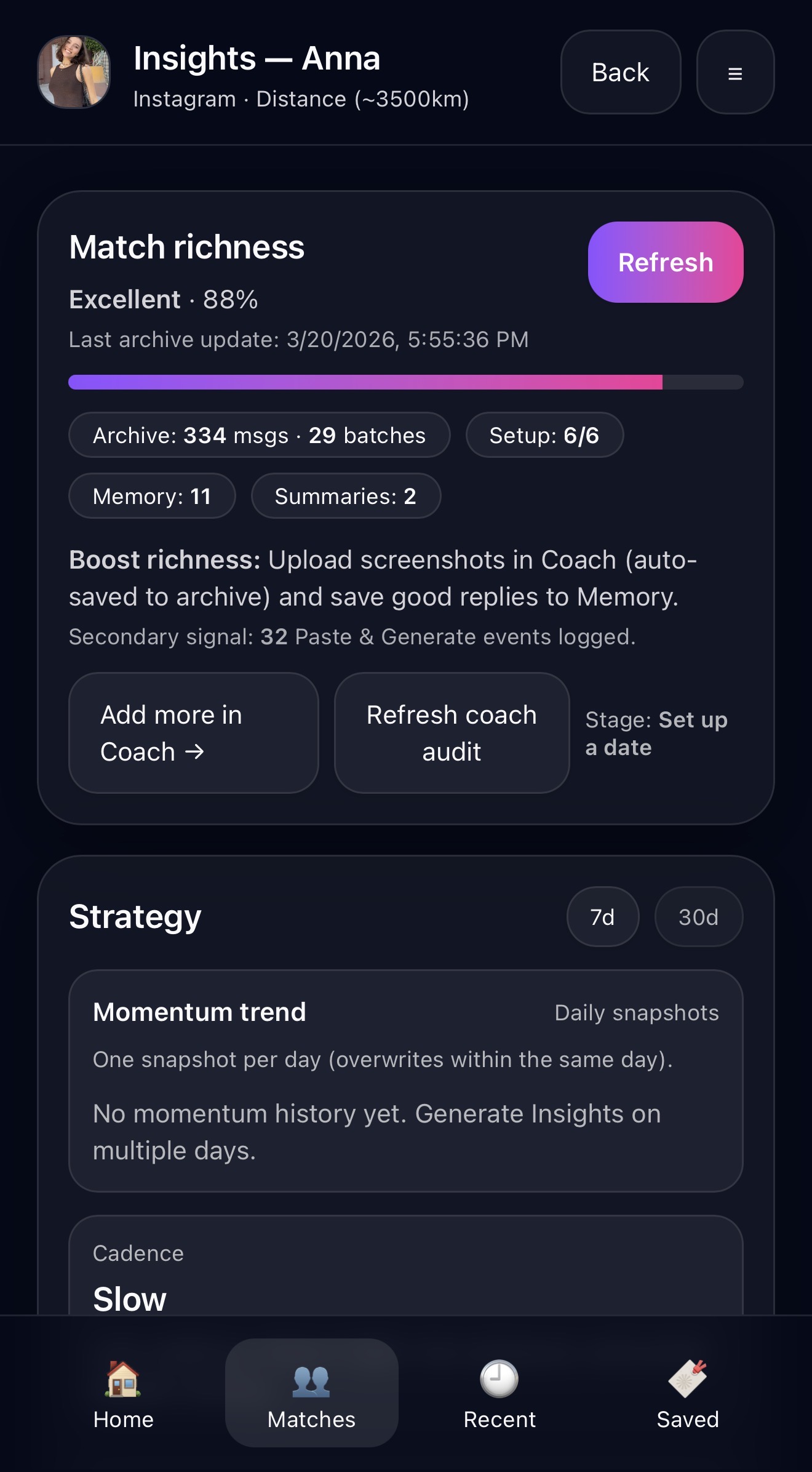
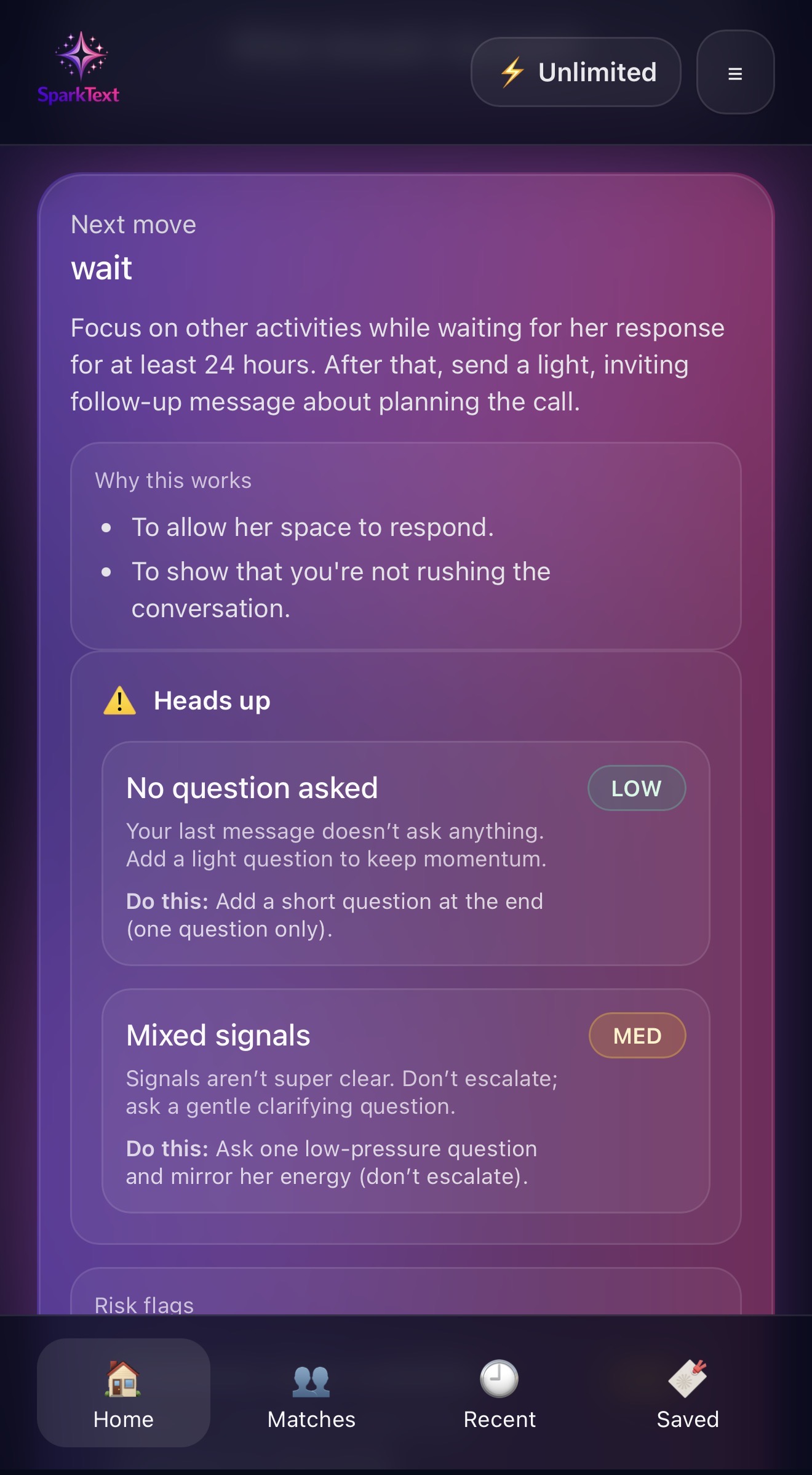
When you like someone, it is easy to overread interest, miss hesitation or react too fast. Match Insights helps you step back and understand the real dynamic of the chat with more objectivity. Coach looks at the flow of the conversation and surfaces signals that matter, so you can make better decisions under pressure.
Each time you upload screenshots for text extraction, Coach analyzes the chat and assigns an Active Readiness score inside Coach Context.
Active Readiness depends not only on the messages from your recent screenshots, but also on how complete the Match Setup is and how much useful memory exists for that match.
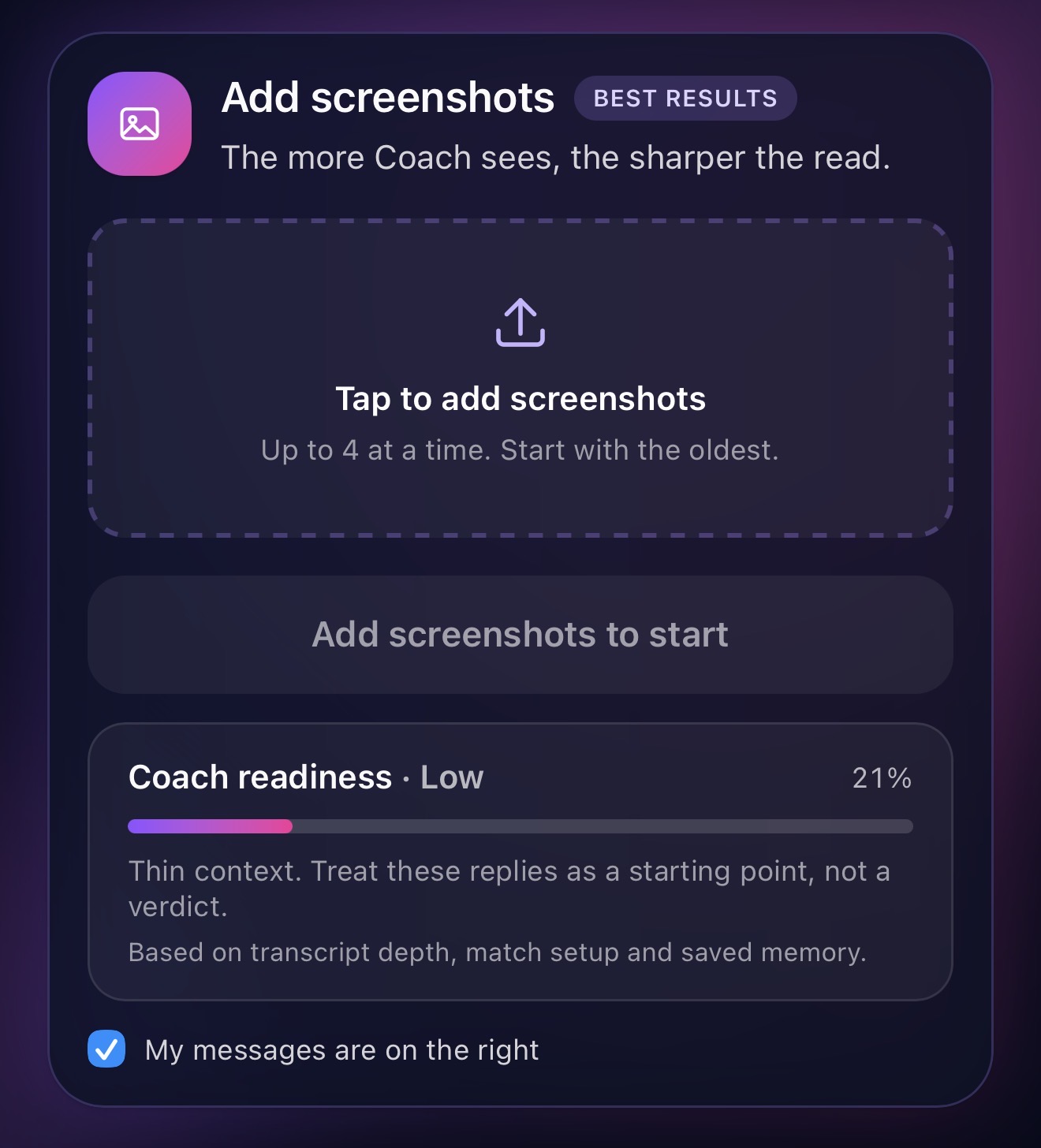
Save what is useful from each chat so Coach becomes more personal, more contextual and more effective.















Most openers fail because they ignore the person. Coach reads up to five screenshots of their photos, prompts and bio, then compares what they’re into with your own profile. Same city, same sport, the same weakness for ramen: that shared ground becomes your opener.
An intent check shows whether they’re looking for what you’re looking for, in their own words, so you don’t spend weeks on a mismatch.
Every opener names the exact prompt or photo it replies to. On Pro they’re written in your own texting style. A signal meter shows how much Coach had to work with, so you know how confident the read is.
Haven’t matched yet? Read them first, then add them as a match in one tap. Coach fills in the details their profile shows, like age and city, tells you what’s still missing, and keeps the read so every reply after that gets sharper.
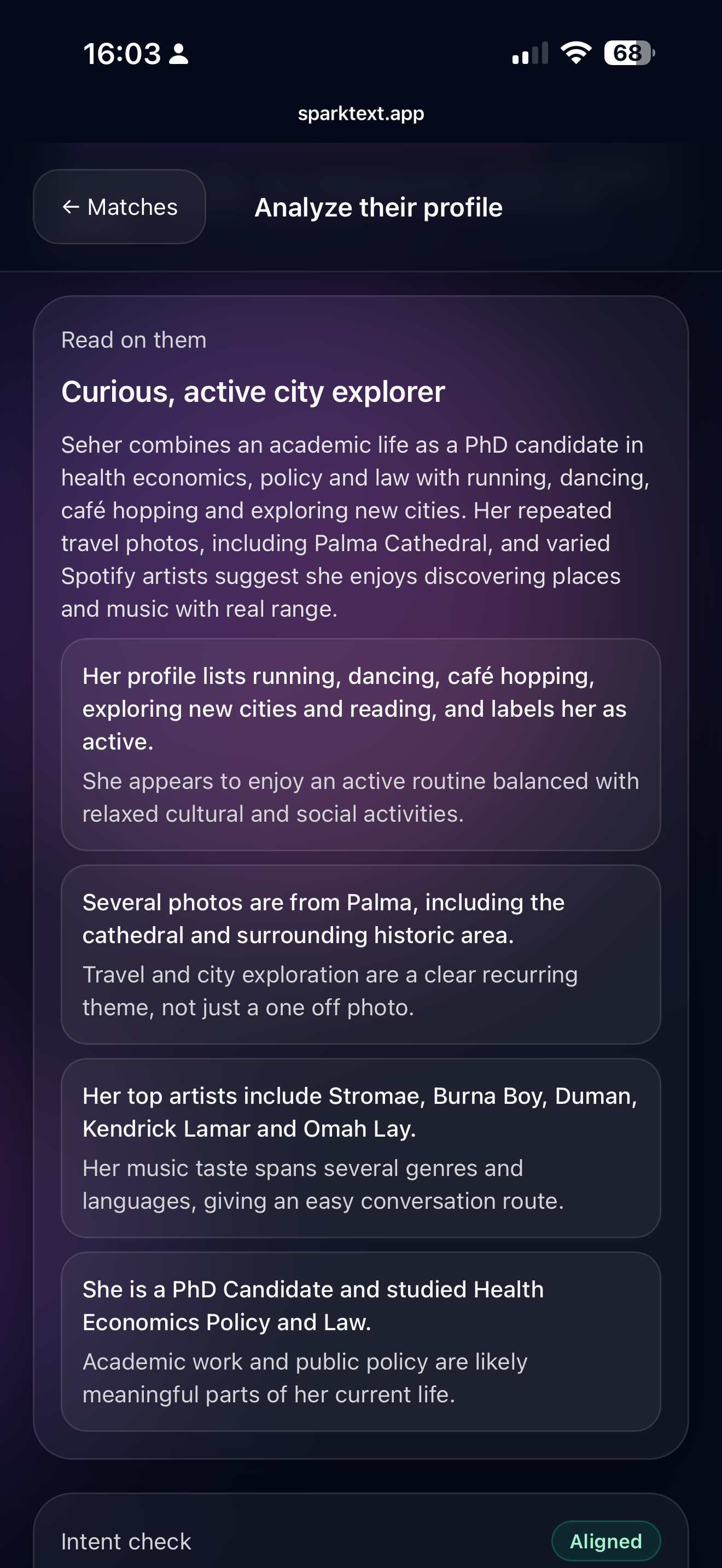
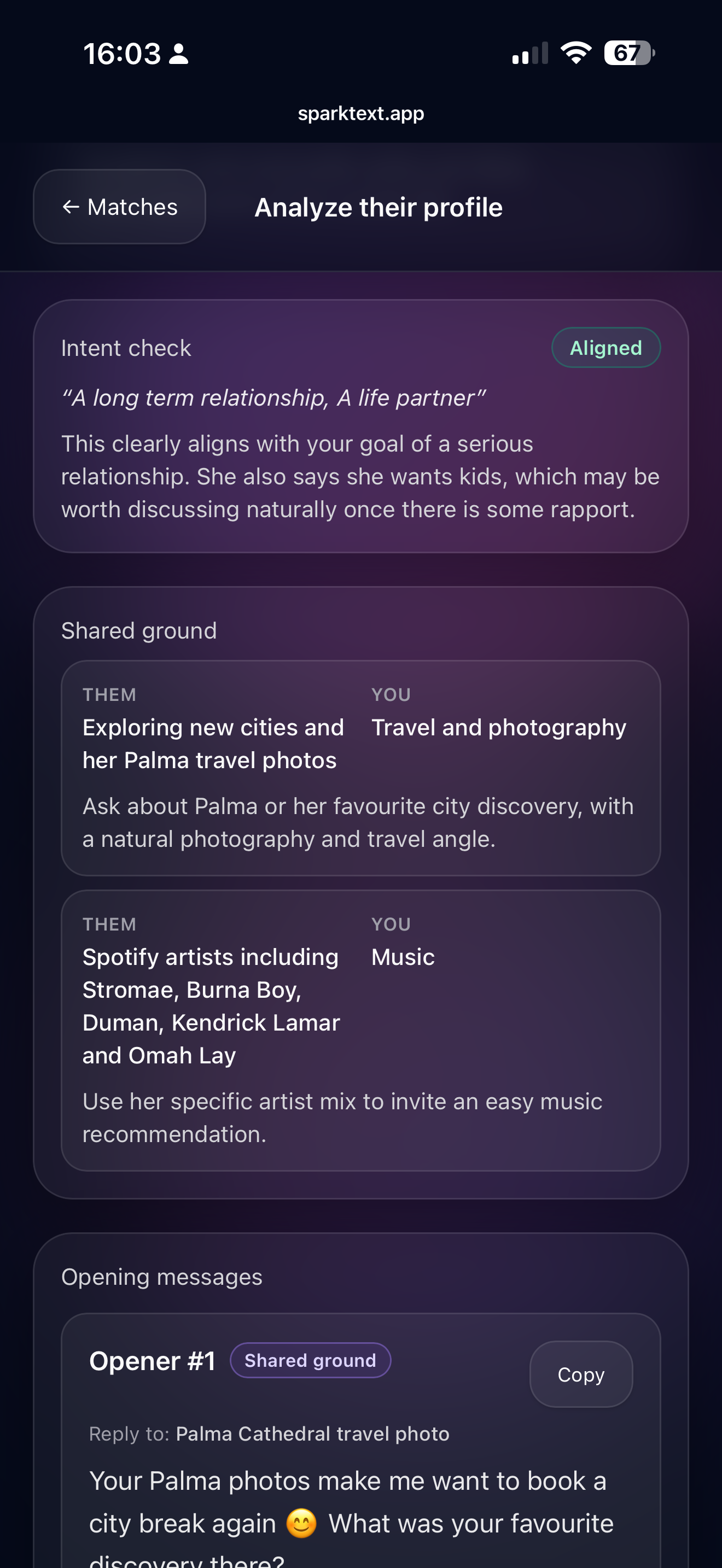
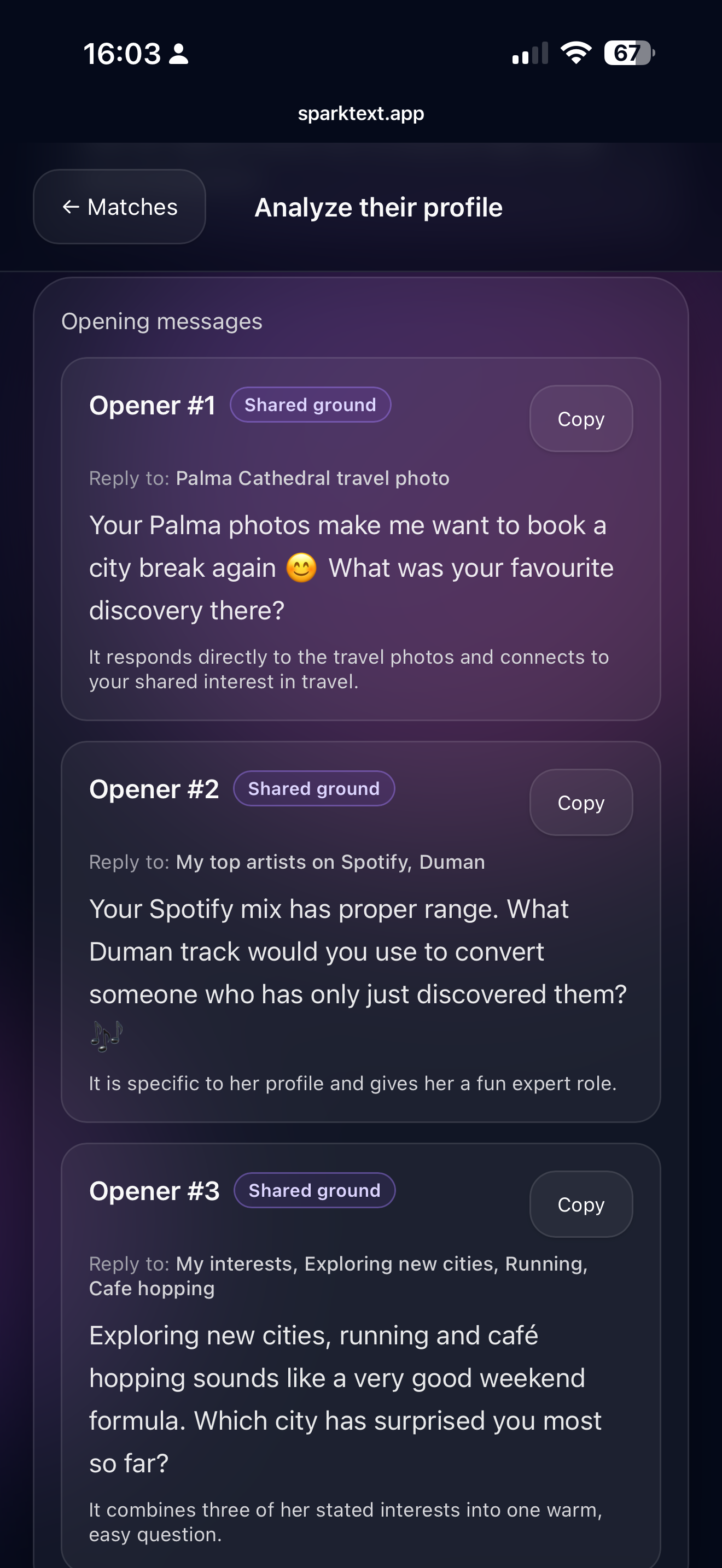
Shared ground, an honest intent check and openers built around what you both care about, so your first message lands as effort, not noise.
Coach helps you open stronger, reply smarter and keep momentum without overthinking every message.
Find concise answers to your key questions about our application.

No. SparkText is a Coach with structure built around stages, context depth, and built in guardrails that prevent common mistakes. We have built advanced prompting into the AI that adds every variable into the calculation from your profile, settings and data that is generated along the way while using SparkText for creating the best replies that fits your moment and purpose.
A Spark is one use of SparkText's coaching engine. Generating replies or asking Coach for your next move uses 1 Spark, reading a profile uses 2, and a full Insights read of a match uses 3. Each Coach read includes one screenshot batch of up to 4 screenshots, and every further batch adds 1 Spark, so a reply from 4 screenshots uses 1 Spark, from 8 uses 2 and from 12 uses 3. Tweaking a reply and Date Debrief are always free. Free includes 10 Sparks a day and Plus includes 25. Pro is unlimited, with up to 25 screenshot batches a day. Sparks work on a rolling 24 hours, so each one comes back a day after you used it.
You choose the vibe + goal, and you can always tweak replies (shorter, funnier, more direct, less intense) so you get the replies that you want to use for your chats.
We have considered the UI of every chat app as this is important for screenshot upload when extracting text. But you need to tell Coach which chat app you use before you can extract text messages from your screenshot uploads. You can do this when setting up your match details. However we can't guarantee that it will work perfectly every time. That's why we provide the user to edit the text extract manually if mistakes are made during extraction.
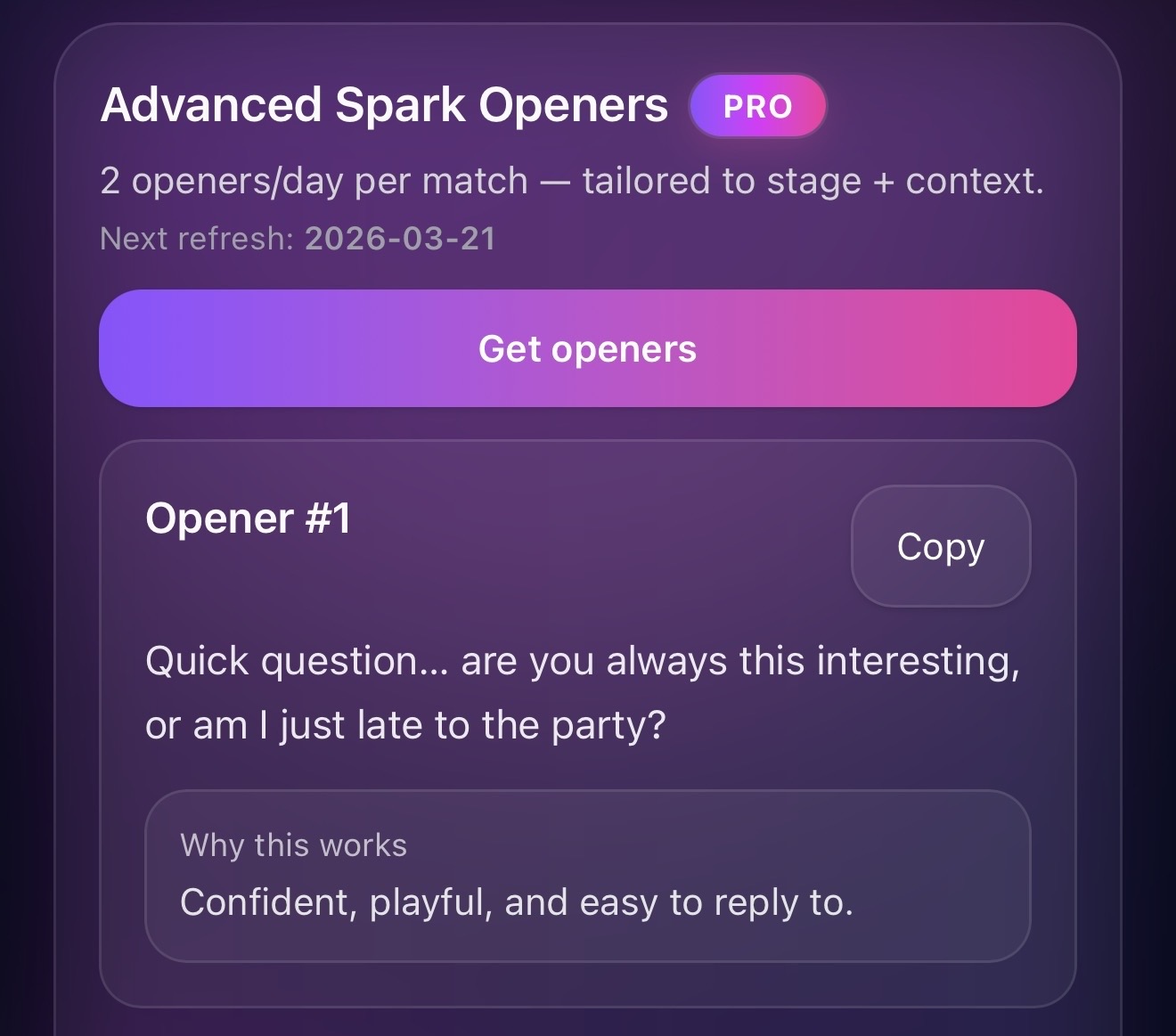
SparkText is built around momentum. It doesn't only aim for "a good line", it aims for "the next best move". That can mean: asking a question that unlocks more context, shifting tone from playful to direct, creating a simple plan or not texting at all if pushing would hurt the vibe. Pro plan give you more control over that "next move" like choosing how forward you want to be and how quickly you want to progress.
Most people get stuck because they use the wrong type of message for the moment. SparkText uses stages that prevent that, for example: "First messages" - "Build connection" - "Set up a date" - "After the date" - "Heal the vibe". Each stage has different rules, risks and moves. That's why replies feel more natural and better timed.
The Academy is where you train your texting, with or without a match, in four games that build on each other. Read the Vibe teaches you to read the signals in a chat in 2 minute lessons: each one plays a short, realistic conversation, then asks you what is really going on, with an explanation for every answer. You learn interest signals, effort balance, timing and momentum, connection, mixed signals, red flags and how to choose your best next move. Fix the Text has you fix a draft message by swapping a few words so it lands, across 25 conversations set in places like a café, a park or an airport. Texting Missions lets you practise on lifelike AI characters in cities around the world, each with a goal and a set number of moves. First Impressions has you read a Hinge, Bumble or Instagram profile at first sight: what their style is, what would click between you and what might cause friction, how easy it would be to get started and which first message fits, across 20 profiles in 4 chapters. None of it costs a Spark. A lesson, conversation, mission or profile a day, or a chat you read with Coach, keeps your daily streak going, and you earn XP and ranks as you learn.
Free includes the first three Read the Vibe worlds (15 lessons on interest signals, effort balance and reply rhythm), the first Fix the Text level (5 conversations), the Easy level of Texting Missions with 2 missions a day, chapter 1 of First Impressions (5 profiles), and the daily streak, XP and ranks. On Free and Plus you can start 5 new lessons a day across Read the Vibe, Fix the Text and First Impressions, and replays are always open. Plus adds all seven Read the Vibe worlds, 34 lessons in total, the final exam and the Certified Signal Reader certificate, all five Fix the Text levels, 25 conversations, and all four First Impressions chapters, 20 profiles. Pro adds every Texting Missions level up to Expert, with 5 missions a day, the Certified Expert Texter certificate and no daily lesson limit.
Yes. SparkText coaches you in the language you chat in. Coach detects the language of each conversation separately, so you can talk to one match in English and another in Dutch, Turkish or Spanish. Your replies, Coach's strategy and your Insights are written in that same language, and Analyze their profile writes openers in the language of their profile. The one exception is Advanced Spark Openers: this curated library of tested lines is in English, so it fits English conversations best. The app's menus and buttons are in English, and while Coach's coaching is most refined for English, it works well in other languages too.